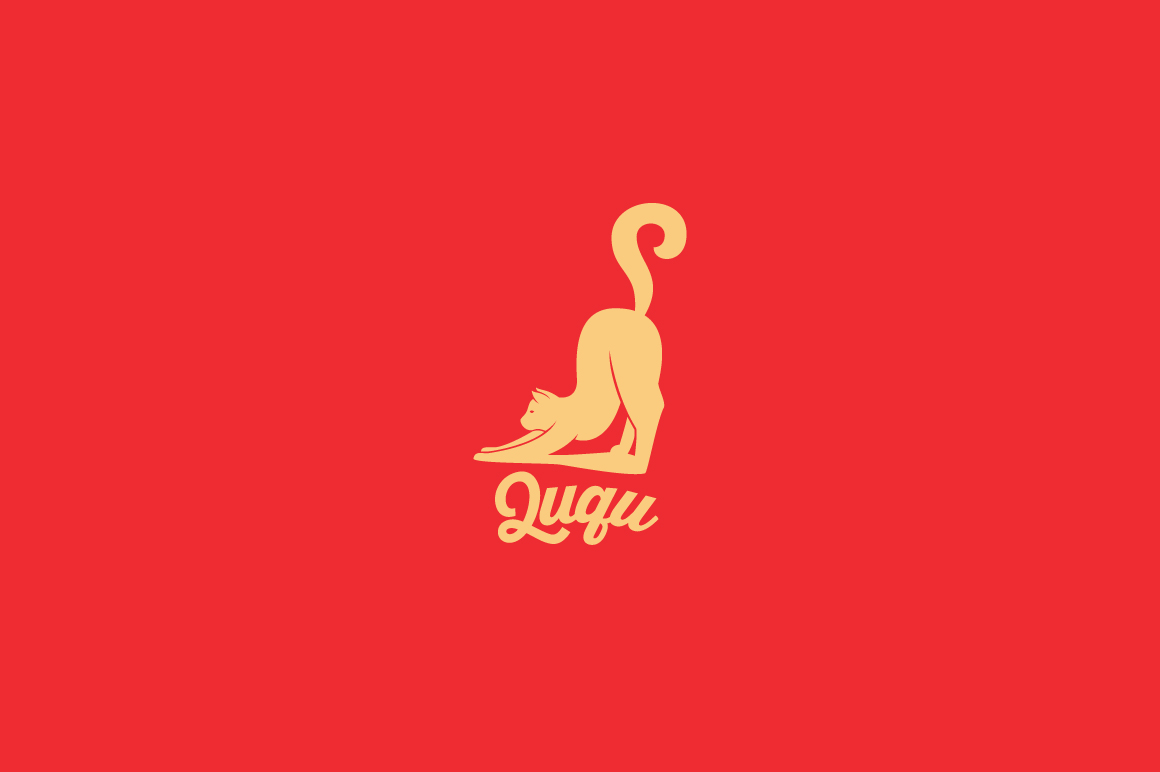
Building a Cohesive Visual Identity with the Ququ Logo Template
Few decisions carry as much strategic weight as choosing the right visual foundation for your brand. A logo is not merely a decorative mark; it functions as a shorthand for your reputation, your values, and the experience people can expect from you. The Ququ Logo Template offers a starting point that balances professional polish with creative flexibility. Whether you are launching a side project, rebranding a growing business, or creating a consistent look across multiple ventures, understanding how to use this template thoughtfully can save you time and help you avoid common branding pitfalls.
What the Ququ Logo Template Offers Beyond Aesthetics
At first glance, the Ququ Logo Template appears to be a well-designed graphic asset. But its real value lies in the structure it provides. The template includes an editable AI file for Adobe Illustrator, an EPS file, and a PSD Photoshop file. These formats allow you to work at 300 dpi resolution with CMYK print colors, meaning your final logo will reproduce cleanly on both screens and physical materials. The ability to customize colors, shapes, text, font type, position, and size gives you control without requiring you to start from a blank canvas.
This is particularly useful for entrepreneurs and freelancers who need a professional identity but may not have deep design experience or a large budget. Instead of hiring a designer for weeks of back-and-forth, you can invest a few focused hours adapting the template to your specific needs. The included link to the free font used also removes the guesswork around licensing and compatibility.
Why Starting with a Template Can Be a Smart Strategic Move
Some people worry that using a template means sacrificing originality. That concern is understandable, but it overlooks how most professional branding actually works. Every designer builds on existing conventions, typography systems, and layout principles. A template is simply a head start. The Ququ Logo Template gives you a solid framework so you can direct your energy toward the elements that truly differentiate your brand: your choice of color palette, the personality of your typography, and the subtle adjustments that make the logo feel like yours.
For a music studio, for example, the template might be modified with bold, high-contrast colors and a custom graphic element that reflects a specific genre or sound. An artist might soften the palette and adjust the spacing to create a more handcrafted feel. A record label could use the template as a consistent base across multiple artist sub-brands, changing only the accent colors or secondary text. The flexibility is built into the file structure, and that is where the strategic advantage lives.
Aligning Your Logo with Your Goals and Positioning
Before you open the template file, it is worth clarifying what role your logo will play in your broader goals. A logo for a personal blog has different requirements than one for a product packaging line or a corporate identity system. The Ququ Logo Template can serve all of these purposes, but the way you customize it should be guided by your specific objectives.
Ask yourself a few questions:
- Where will this logo appear most often? If it needs to work on business cards and flyers, prioritize legibility at small sizes. If it will be printed on apparel or product packaging, consider how the colors and shapes interact with fabric or curved surfaces.
- What emotional response do you want to trigger? A tech startup might lean toward clean, minimalist adjustments. A children's music program might use brighter, warmer variations. The template allows for both approaches.
- How much consistency do you need across different uses? For a corporate brand, you may want strict rules around color and placement. For a creative freelance practice, you might prefer a more flexible look that adapts to each project.
These questions are not abstract. They directly affect how you use the template's customization options. If you know you will need a one-color version for embroidery on apparel, you can test that early in the design phase. If you want the logo to work as a watermark on video content, you can create a simpler, monochrome variation from the original file. The template's 300 dpi resolution and CMYK support ensure that whatever version you produce will hold up under professional use.
Practical Considerations for Customization
The Ququ Logo Template is designed to be edited using Adobe Illustrator, EPS, or Photoshop. Each tool offers different advantages. Illustrator is ideal for vector-based adjustments, meaning you can scale your logo to billboard size without losing quality. Photoshop gives you more freedom with raster effects, textures, and layered compositions. The EPS file serves as a reliable interchange format if you work across different software environments.
When customizing, pay attention to a few key areas:
- Color selection: Use the CMYK settings to ensure that what you see on screen closely matches what prints. Test your chosen palette on a small run of business cards or stickers before committing to large quantities.
- Typography: The template includes a link to the free font used. Keep the font if it fits your tone, or swap it for something that better communicates your personality. Make sure the replacement is legible at small sizes and reads well in both digital and print contexts.
- Shape and spacing: The template's layout provides a balanced composition. Resist the urge to overcrowd it with extra elements. Sometimes the most professional move is to simplify rather than add.
- Resizability: Test your customized logo at the smallest size it will appear, such as a social media profile picture or a stamp on a product label. Adjust line weights and spacing if details become muddy.
Where the Ququ Logo Template Shines in Real Use
The template is particularly well suited for creative professionals and small business owners who need a logo that works across multiple touchpoints. Consider a musician releasing an independent album. The same logo can appear on the album cover, the artist's website, social media profiles, T-shirts sold at shows, and promotional flyers. Using a consistent mark builds recognition over time, and the template makes it feasible to produce all those variations from one source file.
For a freelance graphic designer or photographer, the template can be adapted into a personal brand mark that appears on invoices, portfolios, and email signatures. The professional finish of the template helps establish credibility with potential clients who may be deciding between you and a competitor. In that context, the logo is not decoration; it is a trust signal.
Record labels and music studios often manage multiple artists or projects simultaneously. The Ququ Logo Template can be used as a base for a label logo, with each artist receiving a customized version that shares structural elements but feels distinct. This creates a cohesive brand ecosystem without forcing every sub-brand into the same visual box.
Risks of Using a Template Without Clear Intent
The most common mistake with any template is treating it as a shortcut to completion rather than a starting point for thoughtful design. If you open the file, make one color change, and export it without considering how the logo aligns with your actual goals, you risk ending up with a mark that feels generic or mismatched to your audience.
Another risk is over-customization. Adding too many colors, effects, or text elements can undermine the clarity that makes a logo effective. The template is built around a clean structure. Preserve that clarity, and the result will feel polished. Clutter it unnecessarily, and it will lose the very advantage the template provides.
There is also a practical risk around file management. If you edit the PSD file extensively without keeping a backup of the original, you may lose access to the vector flexibility of the AI or EPS formats. Save separate versions of your work at each stage, and maintain a master file that retains the template's original layers.
Long-Term Value and Iteration
A logo is not a one-time decision. As your business or creative practice evolves, your visual identity may need to evolve too. The Ququ Logo Template supports this by giving you a revisable file that you can update over time. You might refine the color palette after a year of using it in real-world contexts. You might adjust the typography to better match your growing portfolio of work. Because the template is built in industry-standard formats, you can revisit it without starting over.
This iterative approach is especially valuable for entrepreneurs and creators who are still defining their niche. You can launch with a solid logo that works today, and then refine it as you learn more about your audience and your own preferences. The template gives you a professional baseline that does not lock you into a single aesthetic forever.
Practical Next Steps
If you are ready to use the Ququ Logo Template for your own branding, begin by clarifying the one or two contexts where the logo will appear most frequently. Set aside a focused block of time to experiment with color, font, and layout options. Print test versions at actual size and view them in the environments where they will be seen. Share a few options with trusted peers and ask specific questions about clarity, tone, and memorability.
Treat the template as a collaborator rather than a crutch. The designer who built it put thought into proportions, readability, and print readiness. Your job is to adapt that thoughtful foundation to your unique goals. When you do that intentionally, the result will look and feel like a brand that was built with care.
The Ququ Logo Template is a practical tool for anyone who needs a logo that works across digital and printed media. Used with strategic intent, it becomes more than a graphic file; it becomes a reliable element of your professional communication, supporting your credibility and helping you focus on the work that matters most.