Cute Premade Logo Set 5: Handmade Templates for Your Brand
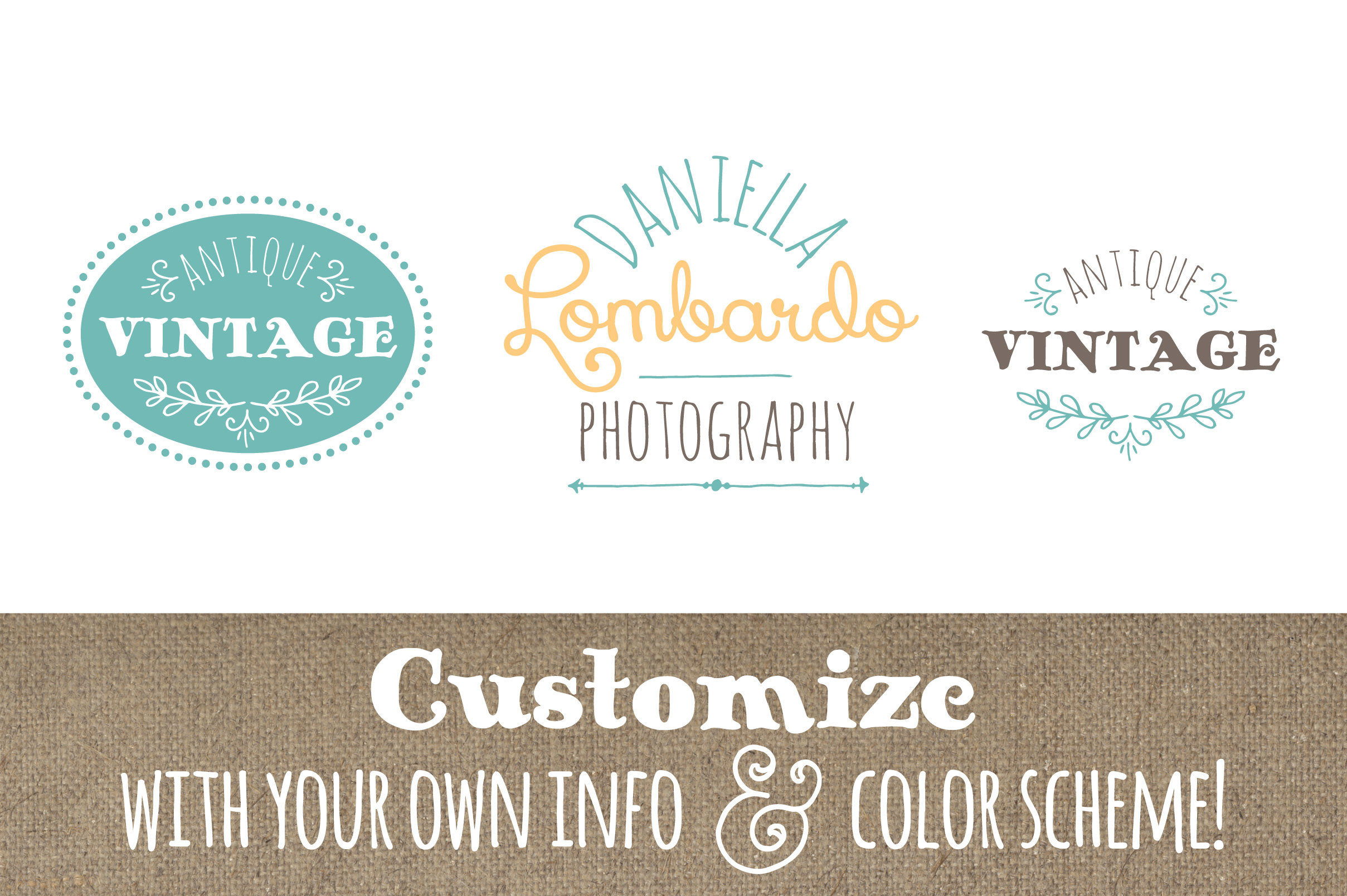
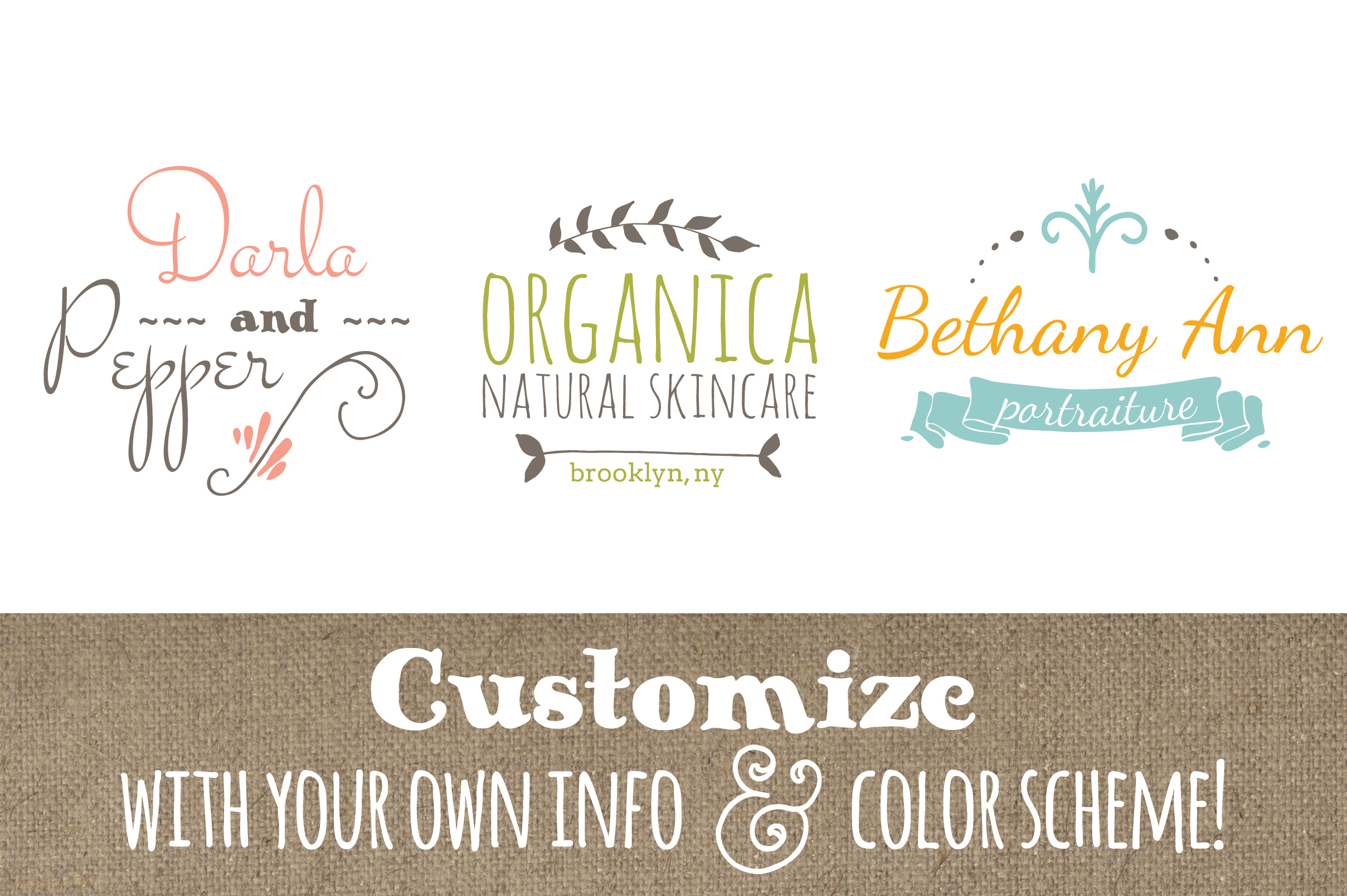
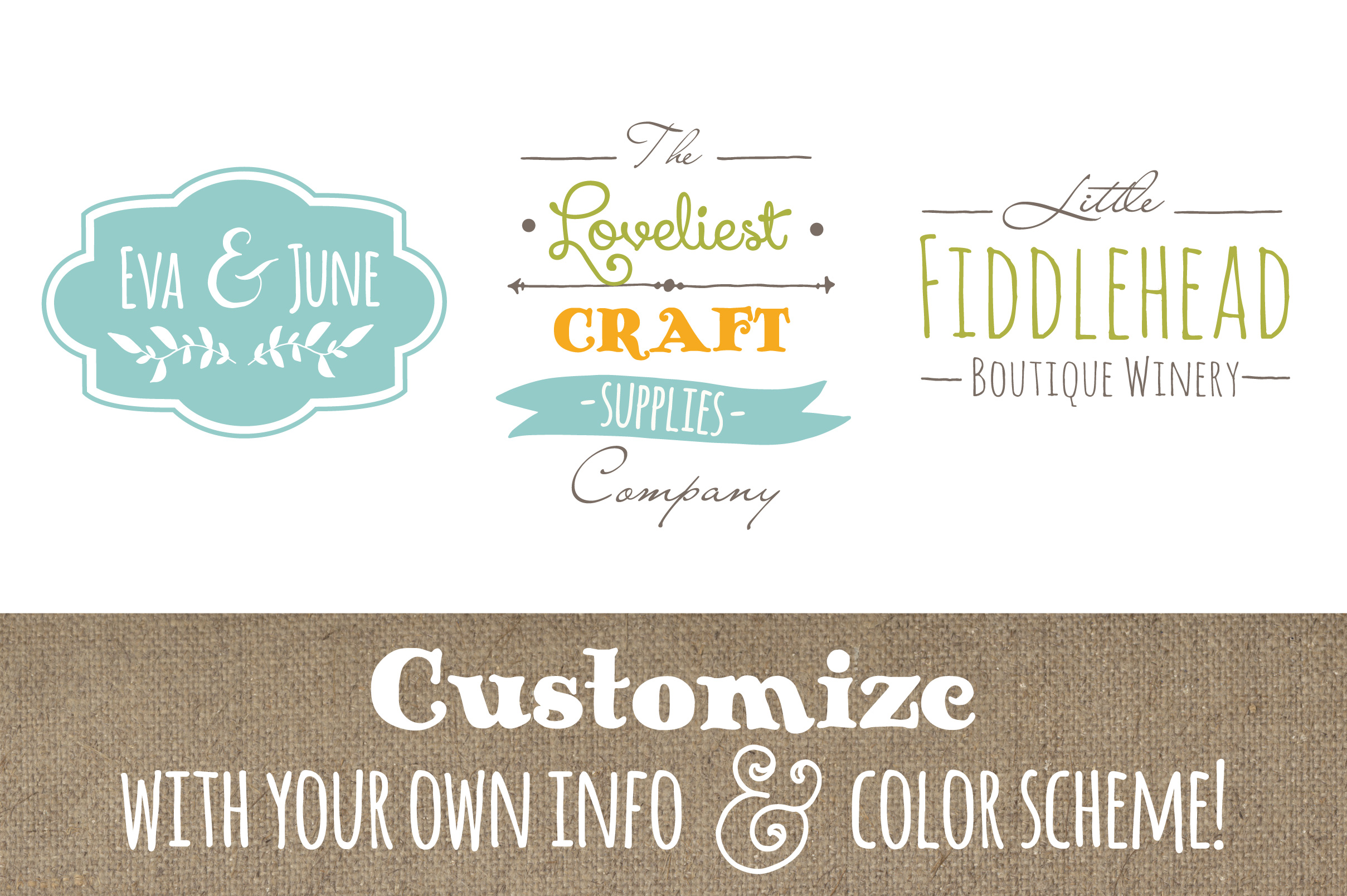
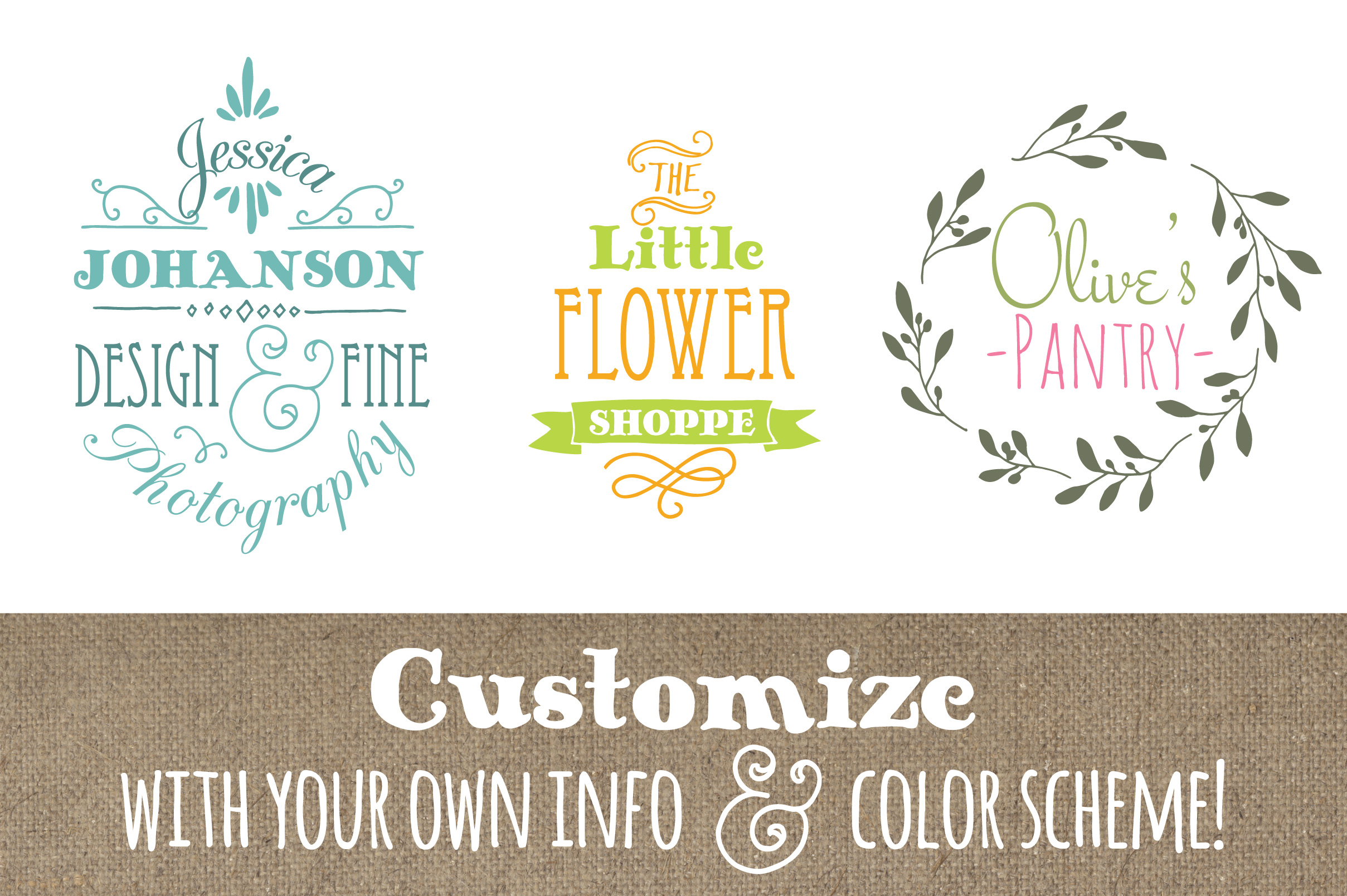
Launching a small business or side project often means juggling a dozen priorities at once. You need a logo that feels right—something that captures your personality without demanding a designer’s budget or a month of back-and-forth revisions. That’s where premade templates can be a genuine time-saver, and the Cute Premade Logo Set 5 offers exactly that kind of shortcut. These aren’t generic clip-art files. They’re handmade, hand-drawn designs that come with enough flexibility to let you make them your own.
If you’ve ever spent an afternoon scrolling through logo marketplaces only to find the same flat icons repeated across a hundred sellers, you’ll appreciate the vintage, whimsical feel of this set. Each design carries a handcrafted quality that feels less corporate and more like something you’d find on a boutique storefront or an artisan’s packaging. For a fledgling business, that first impression matters—and this set helps you make it a warm, memorable one.
What Makes This Logo Set Stand Out
The Cute Premade Logo Set 5 includes five distinct logo templates, each fully editable. The files come organized in layers with clear labels, so you’re not hunting through unnamed folders. You get AI and EPS vector formats for all five logos, plus individual PSD files for Photoshop users. That means whether you work in Illustrator, Photoshop, or even Elements, you have a path forward.
A PDF Font Guide is included, listing the free fonts you need to download before editing. This small step saves frustration later—nothing derails a project faster than opening a file only to see missing font warnings. The guide lists exactly what to grab, so you can set everything up in one go.
The vector files are particularly useful if you plan to scale your logo for different uses. A small social media avatar and a large banner can both use the same file without losing quality. And because the layers are organized, you can tweak individual elements without accidentally moving something you meant to keep in place.
For Creative Entrepreneurs and Freelancers
If you’re a maker, a coach, a consultant, or someone selling digital products, your logo often appears on Instagram profiles, Etsy banners, and maybe your website header. The hand-drawn look of these templates fits well with brands that want to feel approachable rather than stiff. A florist, a children’s book illustrator, or a stationery shop could all find a natural home for one of these designs.
Because the templates are premade but customizable, you spend less time on structural layout and more on fine-tuning colors and typography. That’s a practical advantage when you’re working around a day job or caring for family. You can open a PSD file, adjust the text to your business name, apply your brand colors, and export a JPEG in under an hour—assuming you have basic familiarity with the software.
For Bloggers and Content Creators
Bloggers and YouTubers often need a logo that works across multiple platforms—sometimes as a favicon, sometimes as a video watermark. The vector formats in this set let you export at any size without pixelation. And the whimsical style can help your channel feel distinct in a crowded niche. A parenting blog, a DIY craft channel, or a lifestyle page could all benefit from the vintage charm these templates carry.
The key is that you’re not locked into a single look. Because the files are layered, you can swap background colors, resize elements, or even remove parts you don’t need. That flexibility means one template can evolve with your brand over time, rather than feeling dated after a few months.
For Educators and Small Nonprofits
Teachers running a classroom blog, tutors launching a side practice, or small community organizations often operate on tight budgets. Paying a designer for a custom logo might not be feasible, but a generic free logo maker can leave you with something that looks like everyone else. This set offers a middle ground—professional enough to use on workshop flyers, course materials, or fundraising pages, yet affordable enough that it won’t strain your resources.
The hand-drawn style also communicates warmth, which can be valuable for educators and community leaders. It signals that you’re approachable and that your work is personal, not just transactional.
Practical Considerations Before You Start Editing
The product description clearly states that you need basic skills in Photoshop, Illustrator, or a similar program. This isn’t a drag-and-drop web app. If you’ve never opened layers panel or changed a font in a graphics editor, expect a learning curve. But if you have even elementary experience, the organized file structure makes the process straightforward.
Here’s a quick workflow that matches the recommended steps:
- Download the free fonts listed in the Font Guide before you open any logo file. Install them on your system so the text renders correctly from the start.
- Open your chosen template in your preferred software. The AI and EPS files work well for vector editing, while the PSD files are ideal if you’re more comfortable in Photoshop.
- Edit the text to your business name or tagline. Because the layers are labeled, you can find the text layer quickly.
- Change colors and backgrounds to match your brand palette. The layered structure lets you adjust each element independently.
- Export as a JPEG for web use. If you need a transparent background for your website or merchandise, consider exporting as PNG from the vector file.
One thing to note: the templates are designed with a vintage, hand-drawn aesthetic. If your brand leans modern and minimalist, these might not be the right fit. But if you’re after something with character, warmth, and a handmade feel, the style is a real asset.
Efficiency Gains Without Sacrificing Quality
Starting from a blank canvas is hard. Even experienced designers sometimes stare at an empty screen longer than they’d like to admit. Premade templates remove that friction. You begin with a solid composition and only need to adapt it to your needs. For a small business owner or freelancer wearing multiple hats, that efficiency translates directly into time you can spend on other priorities—product development, marketing, or simply resting.
The Cute Premade Logo Set 5 also reduces the risk of common logo mistakes. The proportions are already balanced. The spacing between text and graphic elements has been considered. You’re less likely to end up with something that feels off because the foundational layout has already been tested by the designer.
Making the Most of the Vector and Photoshop Files
Having both vector (AI and EPS) and raster (PSD) formats means you’re prepared for different scenarios. Vector files are ideal for print materials—business cards, brochures, signage—because they scale infinitely. The PSD files, on the other hand, are great for quick edits, especially if you’re working with photo-like backgrounds or raster effects.
If you plan to use your logo across digital and print, start with the vector file for your primary version. You can always export a high-resolution PNG or JPEG from there. The PSD files can serve as your working copy for social media graphics, where you might want to add drop shadows, gradients, or other effects that are easier to achieve in Photoshop.
The layered organization also makes it possible to create variations. You could produce a full-color version for your website, a one-color version for embroidery, and a reversed version for dark backgrounds—all from the same template. That’s a level of versatility that’s hard to achieve if you’re working from a single flat image.
Observations on the Hand-Drawn, Vintage Style
Trends in logo design come and go, but hand-drawn elements have a staying power that minimalist flat icons sometimes lack. They feel personal, as if someone took the time to craft them specifically for you. The Cute Premade Logo Set 5 leans into that quality. The lines have a natural irregularity that makes the logos feel organic rather than machine-made.
For businesses in creative fields—art, crafts, baking, photography, event planning—this style aligns well with customer expectations. People buying handmade goods or services from small artisans often value authenticity and individuality. Your logo can reinforce that message before a potential customer even reads your About page.
That said, if you’re in a more conservative industry like law, finance, or corporate consulting, these templates may feel too casual. It’s important to match the logo style to the emotional tone you want your brand to project. Whimsy works beautifully for some audiences and falls flat for others. Know your audience, and choose accordingly.
A Few Recommendations for Getting Started
Before you open the files, take fifteen minutes to define your brand colors and choose a primary and secondary font from the recommended list. Having those decisions made in advance streamlines the editing process. You won’t be second-guessing every choice as you work.
If you’re new to editing template files, start with one logo design rather than trying to customize all five at once. Pick the one that feels closest to your vision, and focus on making it yours. You can always return to the others later if you want alternate versions or if your brand expands to need multiple logos.
Finally, don’t hesitate to reach out to the seller if you run into issues. The product description makes clear that the creator is happy to help. That kind of support is valuable, especially if you encounter a technical snag with font installation or file compatibility.
Premade logo sets like this one bridge a real gap for small businesses and creators. They offer professional-quality design without the cost or wait time of a custom commission. And when the templates are this thoughtfully organized—with layered files, font guides, and multiple formats—the path from download to launch becomes a smooth one.